


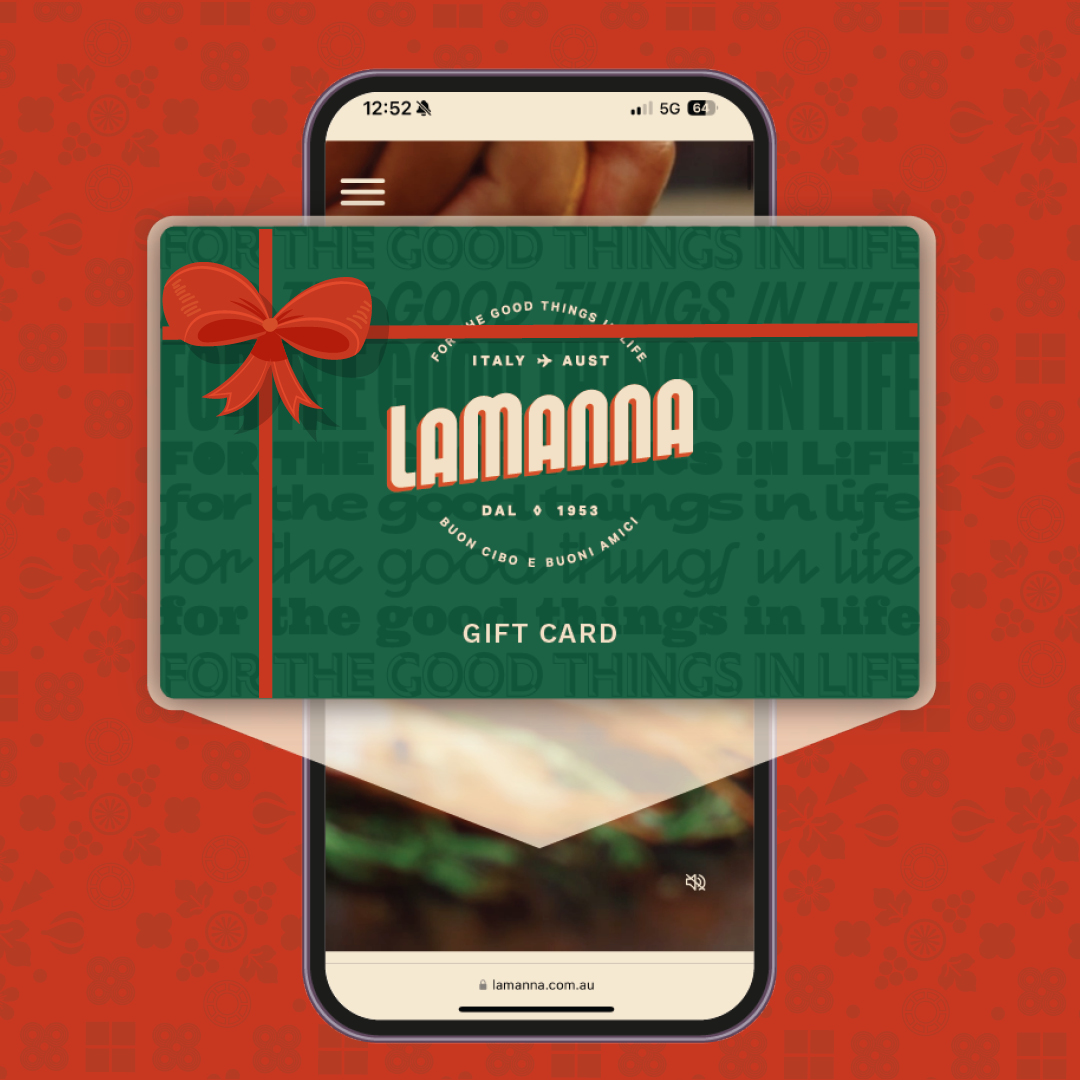
LaManna gift cards, including both physical and e-gift cards, can be redeemed in-store only.
Using an E-Gift Card In Store
To use your e-gift card at checkout, you can either:
- Scan the barcode from the e-gift card email at the register, or
- Add the e-gift card to your digital wallet and scan it directly from your phone
Please note that e-gift cards are valid for in-store purchases only.
Adding an E-Gift Card to Your Digital Wallet
You can easily add your e-gift card to your digital wallet for quick access.
- Open the email containing your e-gift card
- Tap the button to add the card to Apple Wallet or Google Wallet
- Present the barcode from your wallet at checkout
Where You Can Use a LaManna Gift Card
Both physical and e-gift cards can be redeemed in-store only at LaManna. Gift cards cannot be used online.
Checking Your Gift Card Balance
To check the remaining balance on your gift card:
- Visit any point-of-sale register in store
- Ask a team member to scan your gift card
They will let you know the available balance.